
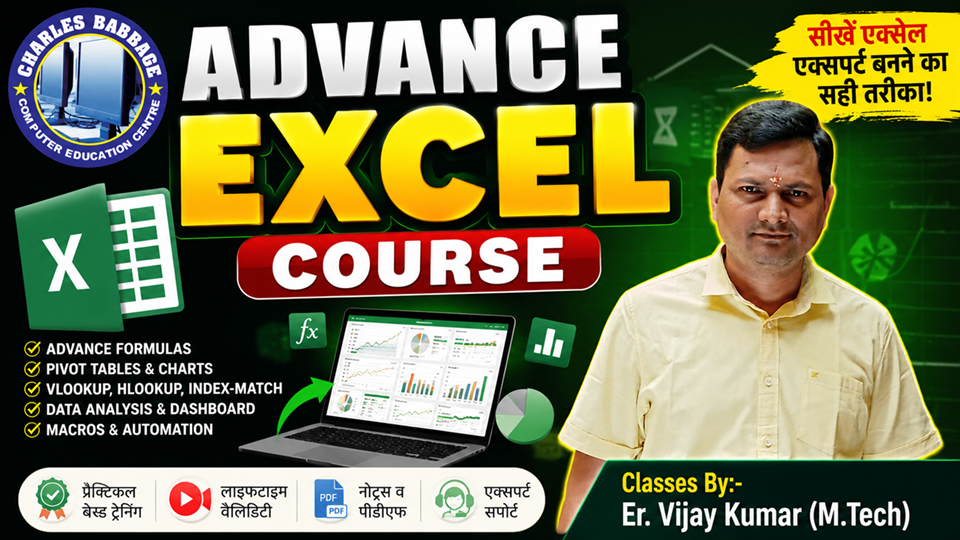
Description
📘 Course Title:
M.S. Excel (Basic to Advanced)
📅 Duration:
6 Weeks (1.5 Months)
🎯 Mode:
Offline / Online / Hybrid
🎓 Level:
Beginner to Advanced
🏁 Certificate:
Yes (After successful completion)
📚 Syllabus Outline:
🔹 Module 1: Excel Introduction & Basics
- Introduction to MS Excel
- Excel Interface, Ribbon, and Tabs
- Workbook vs Worksheet
- Cell, Row, Column
- Data Entry and Editing
- Save, Open, Rename, Close Workbooks
- Basic Formatting (Font, Color, Border, Alignment)
- Number Formatting (Currency, Percentage, etc.)
🔹 Module 2: Formulas & Functions
- Creating and Editing Formulas
- Cell Referencing (Relative, Absolute, Mixed)
- AutoFill and Flash Fill
- Basic Functions:
- SUM(), AVERAGE(), MIN(), MAX()
- COUNT(), COUNTA(), ROUND()
- SUM(), AVERAGE(), MIN(), MAX()
🔹 Module 3: Data Management Tools
- Sorting and Filtering Data
- Conditional Formatting
- Data Validation (Drop-down lists, Rules)
- Find and Replace
- Freeze Panes, Split Window
- Hide/Unhide Rows and Columns
- Page Layout and Print Setup
🔹 Module 4: Charts & Data Representation
- Inserting Charts:
- Column, Bar, Line, Pie, Area, Combo
- Column, Bar, Line, Pie, Area, Combo
- Chart Design and Formatting
- SmartArt, Shapes, Icons
- Sparklines
- Printing Charts with Data
🔹 Module 5: Advanced Excel Functions
- Logical Functions:
- IF(), AND(), OR(), NOT()
- IF(), AND(), OR(), NOT()
- Lookup Functions:
- VLOOKUP(), HLOOKUP(), XLOOKUP()
- VLOOKUP(), HLOOKUP(), XLOOKUP()
- Text Functions:
- CONCAT(), LEFT(), RIGHT(), MID(), LEN(), TRIM()
- CONCAT(), LEFT(), RIGHT(), MID(), LEN(), TRIM()
- Date & Time Functions:
- TODAY(), NOW(), DATEDIF(), TEXT()
- TODAY(), NOW(), DATEDIF(), TEXT()
🔹 Module 6: Data Analysis & Protection
- PivotTables and PivotCharts
- What-If Analysis: Goal Seek, Scenario Manager
- Data Tables and Forecasting
- Protecting Sheets and Workbooks
- Importing Data (CSV, Web)
- Creating Dashboards (Basics)
- Final Project and Practice Test
🎁 Course Benefits
- Printed Notes / PDF Materials
- Real-life Practice Worksheets
- Doubt Clearing Sessions
- Course Completion Certificate
🔻 Contact Information
🌐 Website: www.charlesbabbage.in
📱 App: Charles Babbage Online Classes
📺 YouTube: Charles Babbage Online Classes
📞 Mobile: 9931054345
💬 WhatsApp: 9931054345
📧 Email: cbitm.india@gmail.com
Advance Excel
₹599₹1,20051% off
Have a coupon?